업데이트Pinned
2026.05
카미봇 업데이트! (2026.05)
안녕하세요! 5월 카미봇 변경사항을 알려드리러 왔어요📢 지난달은 카미봇 안정성 향상에 많은 노력을 쏟았어요. 카미봇 잘 써주셔서 고마워요!
로딩 중...
A bot built because complexity is exhausting. One slash command gives you TTS, AI, translation, emoji, welcome messages, and music — almost everything your server needs.Give it a try and tell me what you think!

TTS, AI, translation, emoji, welcome, music — no need to invite six separate bots. Just Kamibot, and one slash command works anywhere.
Kamibot isn't just a chat AI. It can understand and change your server structure itself — creating channels, matching permissions, moving categories — all by asking, no clicking.
#chat permissions — @everyone, @member, @moderator🎙️ auto-generated channel in the voice categoryPick the right tone for your server from over 200 voices, including VOICEVOX and ElevenLabs.
Auto-translate a whole channel, or tap a single message to convert it instantly.
Restores custom emojis that Discord shrank back to their original size.
When a member joins, a welcome card and message are sent automatically — the card design and wording matched to your server's colors.
YouTube, SoundCloud, links as-is. Currently under construction.
Create a dynamic voice channel, spin up a temporary room automatically, link text and voice, and switch to a popular TTS voice — it all starts with a single slash command.▸ Hover to pause, click to move to the next step
/settingsThe monthly announcement posted to Kamibot's official support server each month, plus the real questions and answers exchanged there, brought here as-is. Not a hobby project, but a service touched every day — shown through activity, not words. (Original posts are in Korean.)
안녕하세요! 5월 카미봇 변경사항을 알려드리러 왔어요📢 지난달은 카미봇 안정성 향상에 많은 노력을 쏟았어요. 카미봇 잘 써주셔서 고마워요!
Real suggestions posted to the ideas & improvements forum of Kamibot's official support server.


All of Kamibot's features, matched to your server's identity. Name, avatar, embed color, welcome card — change it all without writing a single line of code. No need to ask the support server or learn Discord bot development.
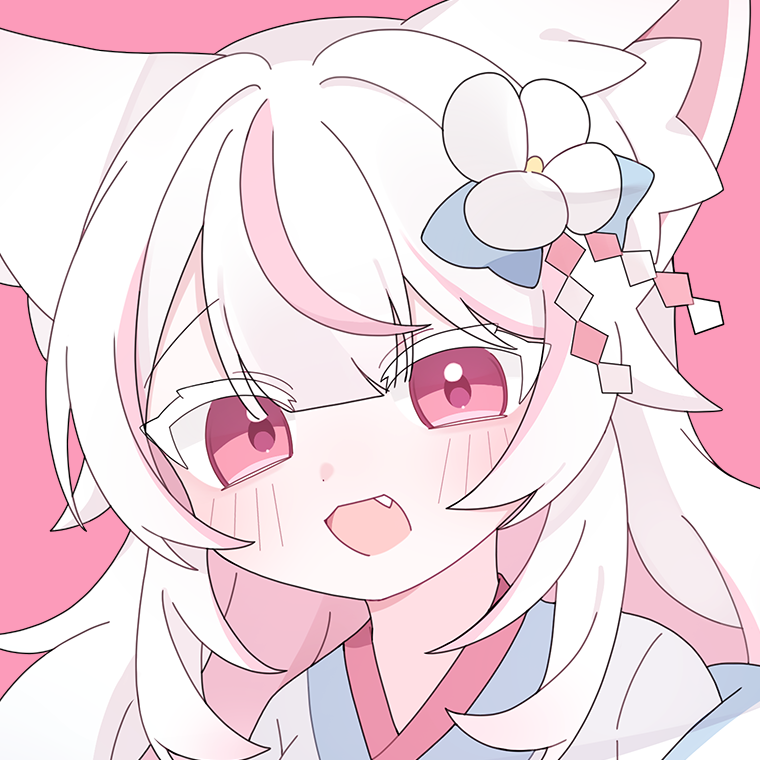
Kamibot→Yeoubi“Welcome!”→“Glad you're here ✦”No login, no sign-up, no card required. Just Discord permissions, once.
One button takes you to the Discord permissions screen. We only take the permissions we need.
Press slash (/) in the chat box to see everything Kamibot can do. Pick one, and you're done.
Toggle things like welcome messages, auto-translation, and temporary voice channels visually from the dashboard.
Built and run by one person. So it stays hands-on — and handles your data and permissions just as small.
We're preparing a premium plan within a few months — longer TTS, more AI tokens, priority support. We haven't set a price yet.
Can't find an answer? Ask us directly in the Kamibot support server.
Yes, Kamibot's core features are free to use. No card registration, no sign-up.
The supporter membership is optional, and the upcoming premium plan is designed not to reduce the free features.
Kamibot requests only the minimum permissions it needs: viewing and sending messages, registering slash commands, and joining voice channels (for music and TTS).
It does not require administrator permission, and you can disable permissions for features you don't use.
The UI is Korean-first, but features like TTS, AI, and translation support 108 languages. It works well in Japanese and English servers too.
We read messages only at the moment needed to process a command, and don't store them afterward. See our Privacy Policy for details.
Join the Kamibot support server and we'll answer you directly. It's a small service where we can look at things down to a single line of code, so please don't hesitate to drop by.
It's in preparation within a few months. The features you use for free now stay as they are; premium will add "more capable" options like longer TTS, advanced models, and priority support.
For the exact timing, leave your email in the notify form next to the membership section and we'll tell you first.
!